
Order Manager App for Restaurants
Every order from your website, apps, phone, QR tables and delivery partners in one screen. Accept, time, prepare and dispatch from any tablet or POS, with auto-reject so nothing is forgotten.
- No contract
- Free setup
- 24/7 support
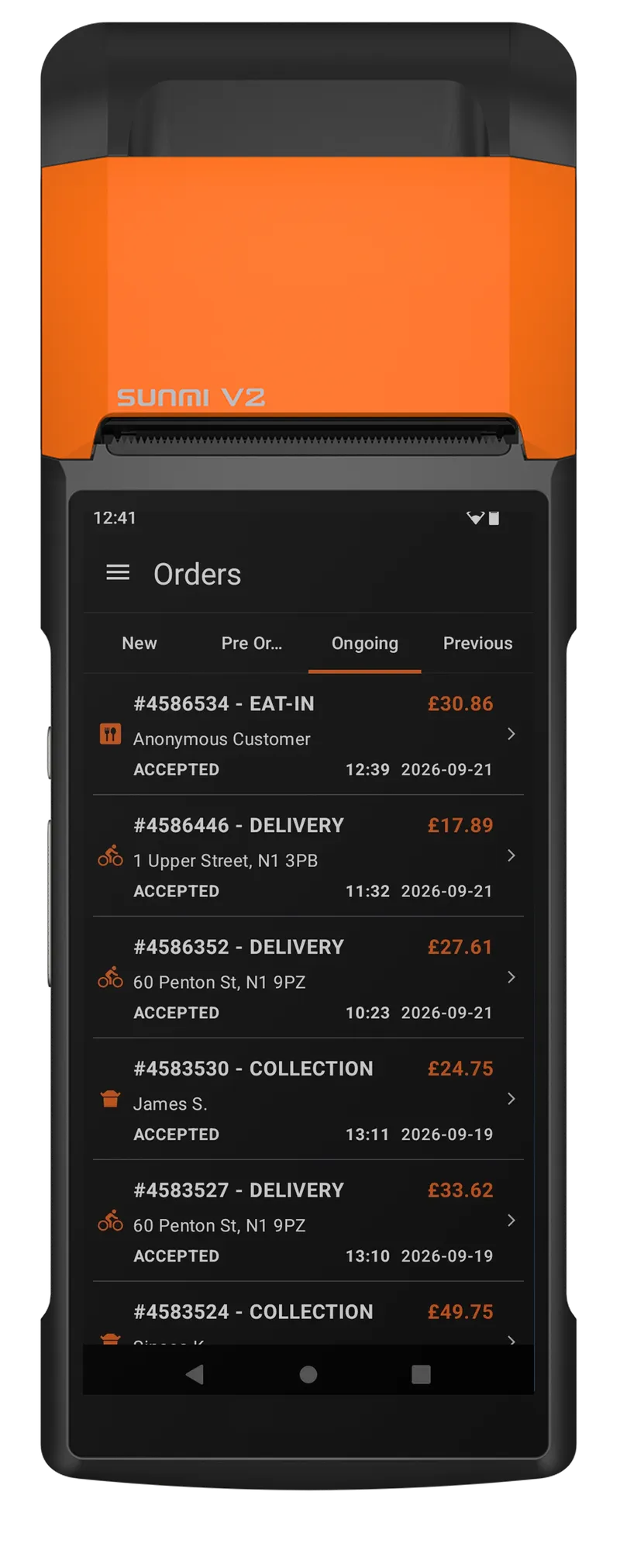
Nothing pending, nothing forgotten
Website, apps, phone, QR tables and delivery partners land in one list. This is what happens to each one.

One list for every channel
Website, app, QR, phone and marketplace orders in one screen with one ticket format. Five tablets become one.

Alerts you cannot miss
Sound, push and on-screen alerts for every new order, with configurable time limits per channel.

Auto-reject and refund
If an order is not confirmed in time it is cancelled and refunded automatically, and the customer is told.

Prep time in a tap
Set the time per order. The customer sees an accurate promise, the kitchen sees the due time.

Dispatch from the same screen
Assign your own driver or send to Stuart, Uber Direct and local fleets without leaving the order.

Any device
Tablet, PC, phone or the desktop POS. Several devices at once, all showing the same live list.
What changes with Order Manager App
Each channel has its own device and ticket format.
A pending order nobody noticed becomes a refund.
Customers call to ask.
Order Manager App, in detail
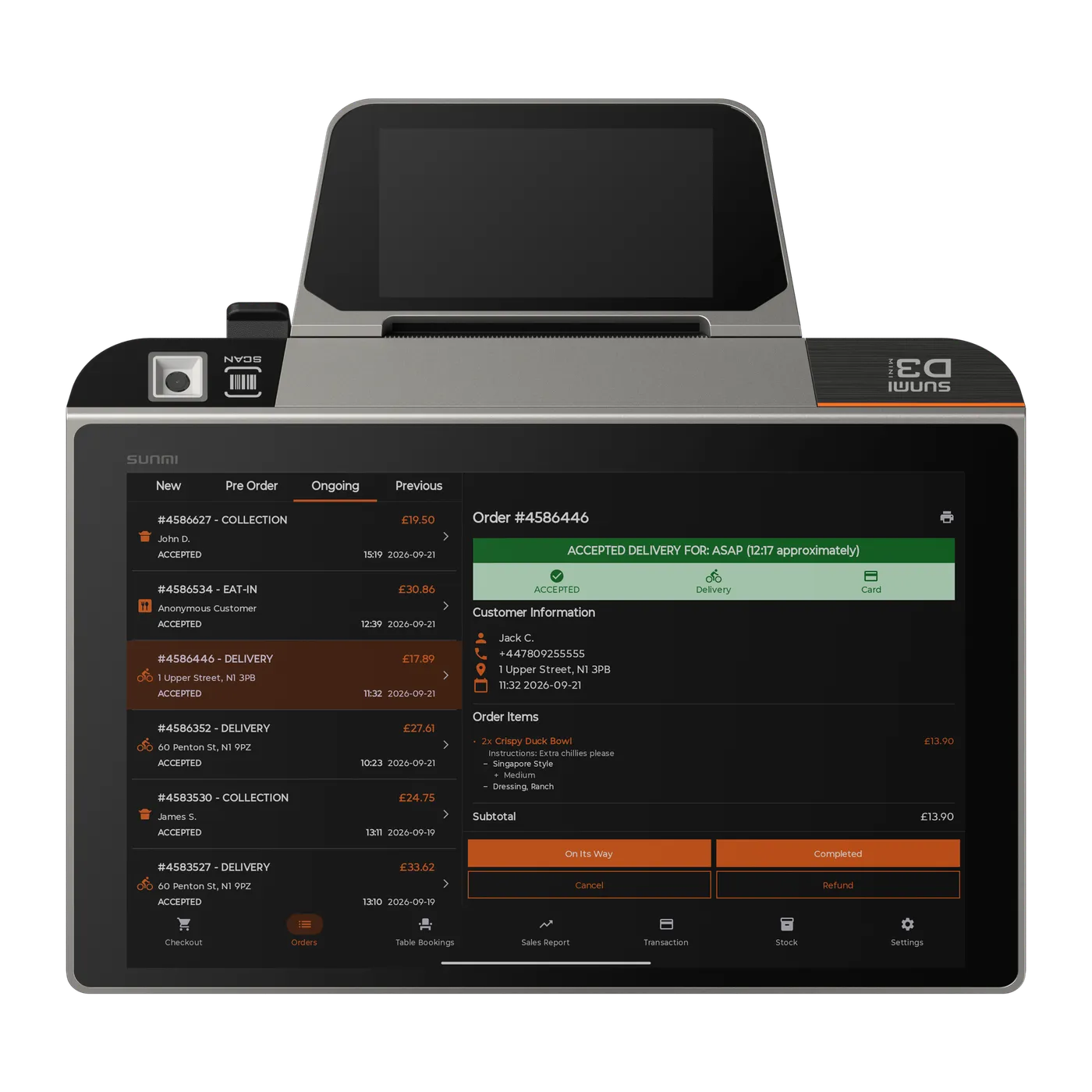
Accept and time every order in a tap
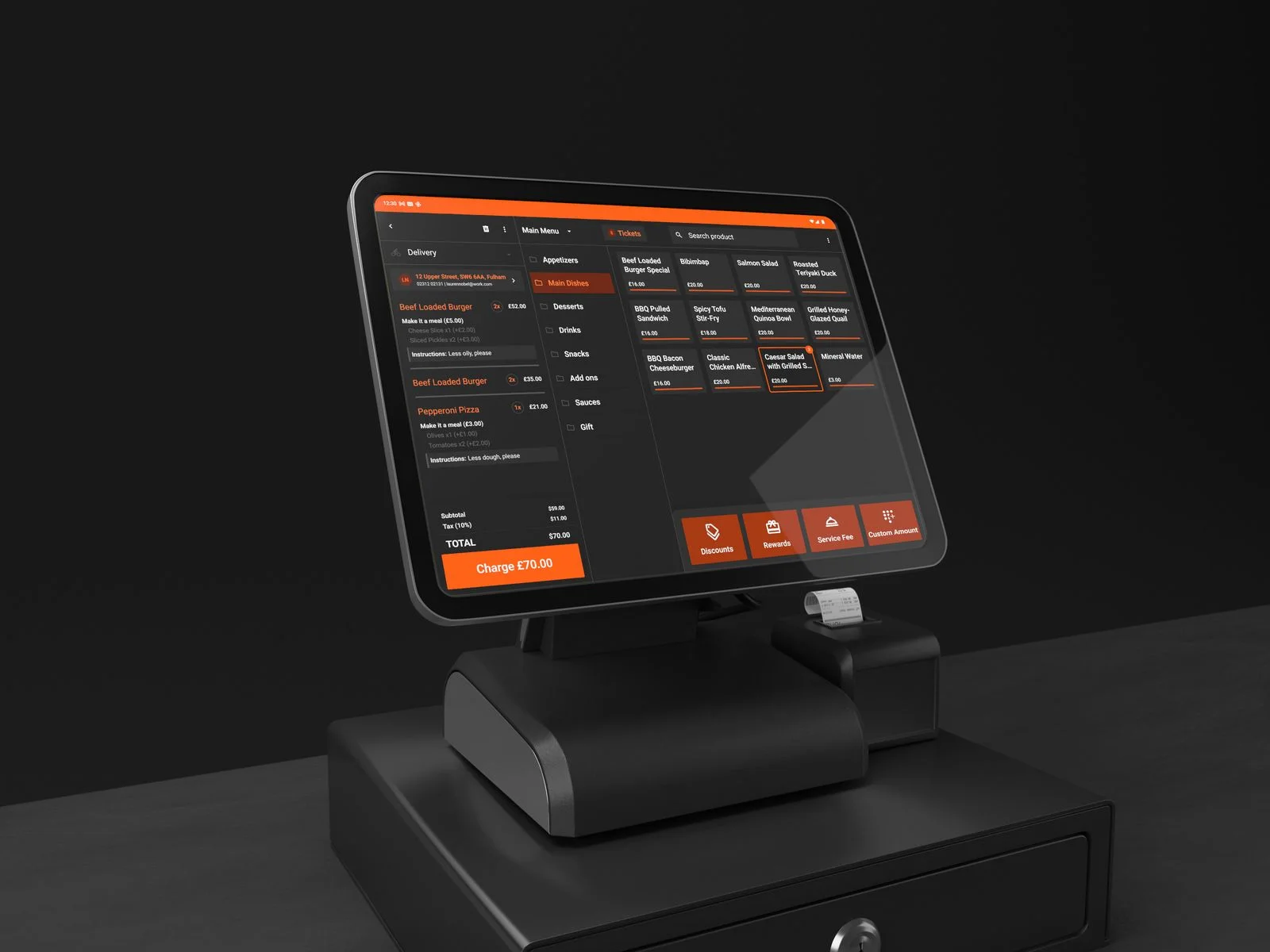
See new orders, set prep time, print tickets and notify the customer. Works on any tablet, PC or the desktop POS.
- Any device, no special hardware
- Prep time per order
- Order notes and modifiers on every ticket
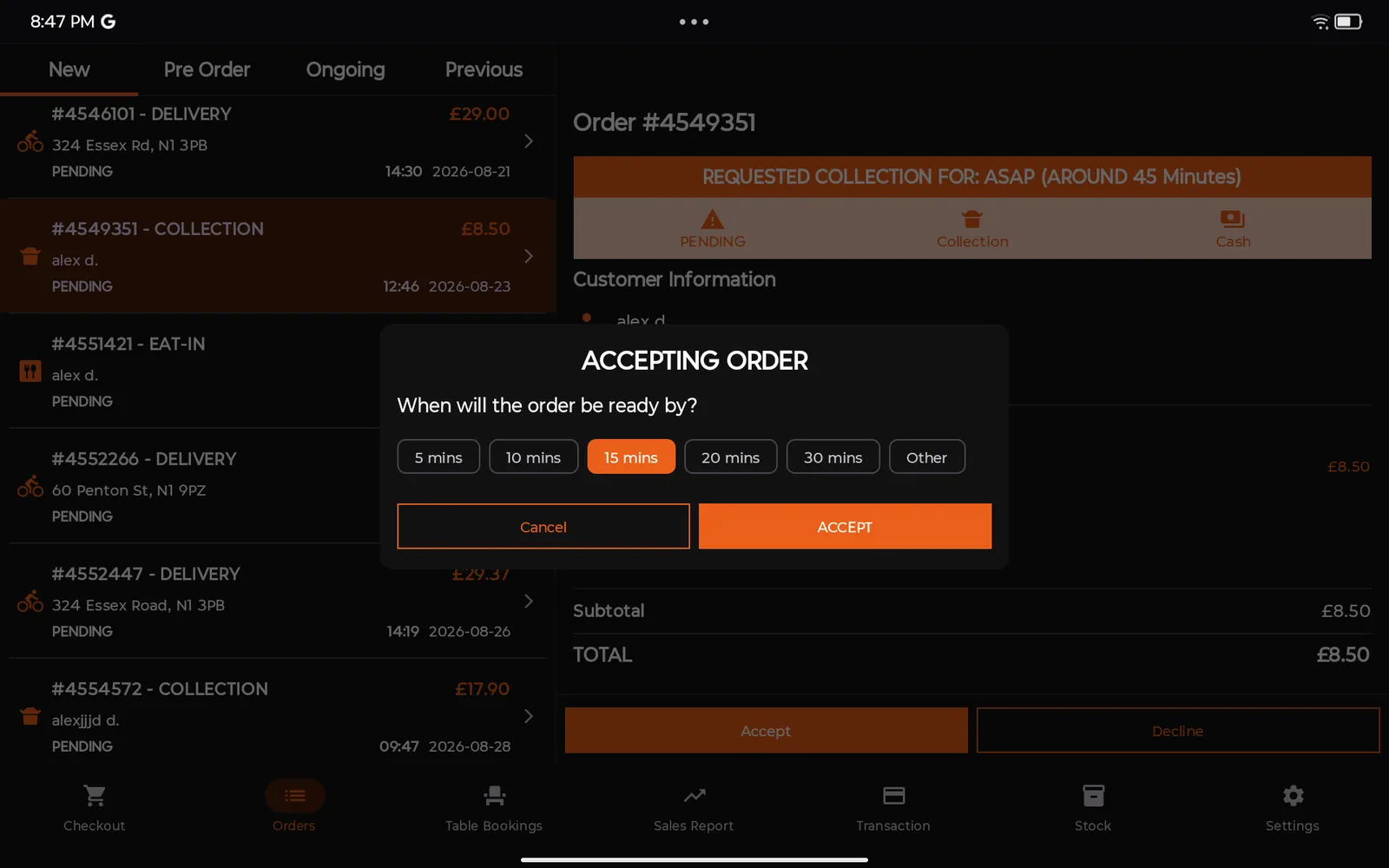
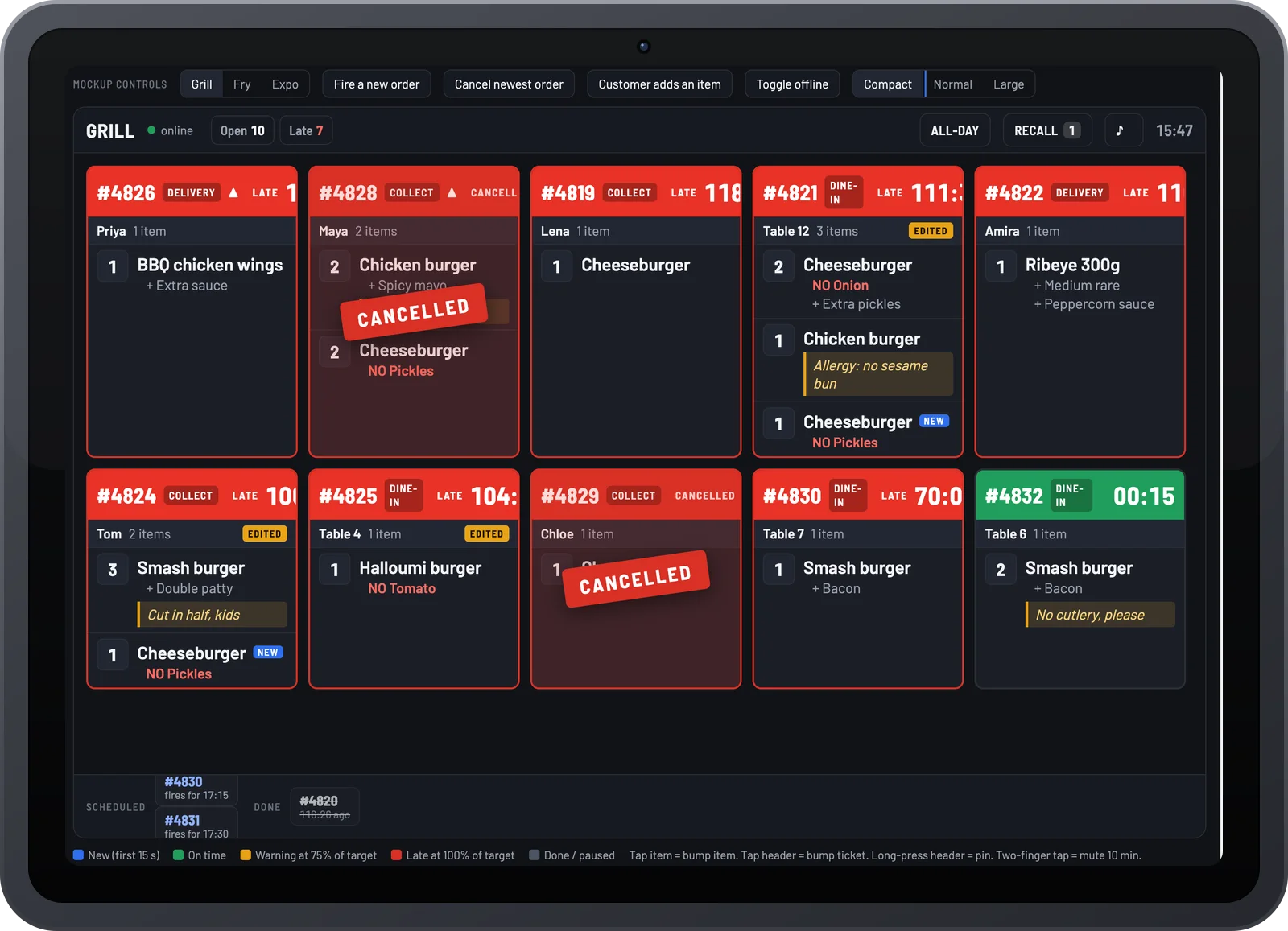
Order monitoring and auto-reject
If an order is not confirmed in time the app alerts your team, then cancels and refunds automatically so the customer is never left waiting.
- Sound and push alerts
- Configurable time limits
- Automatic refunds
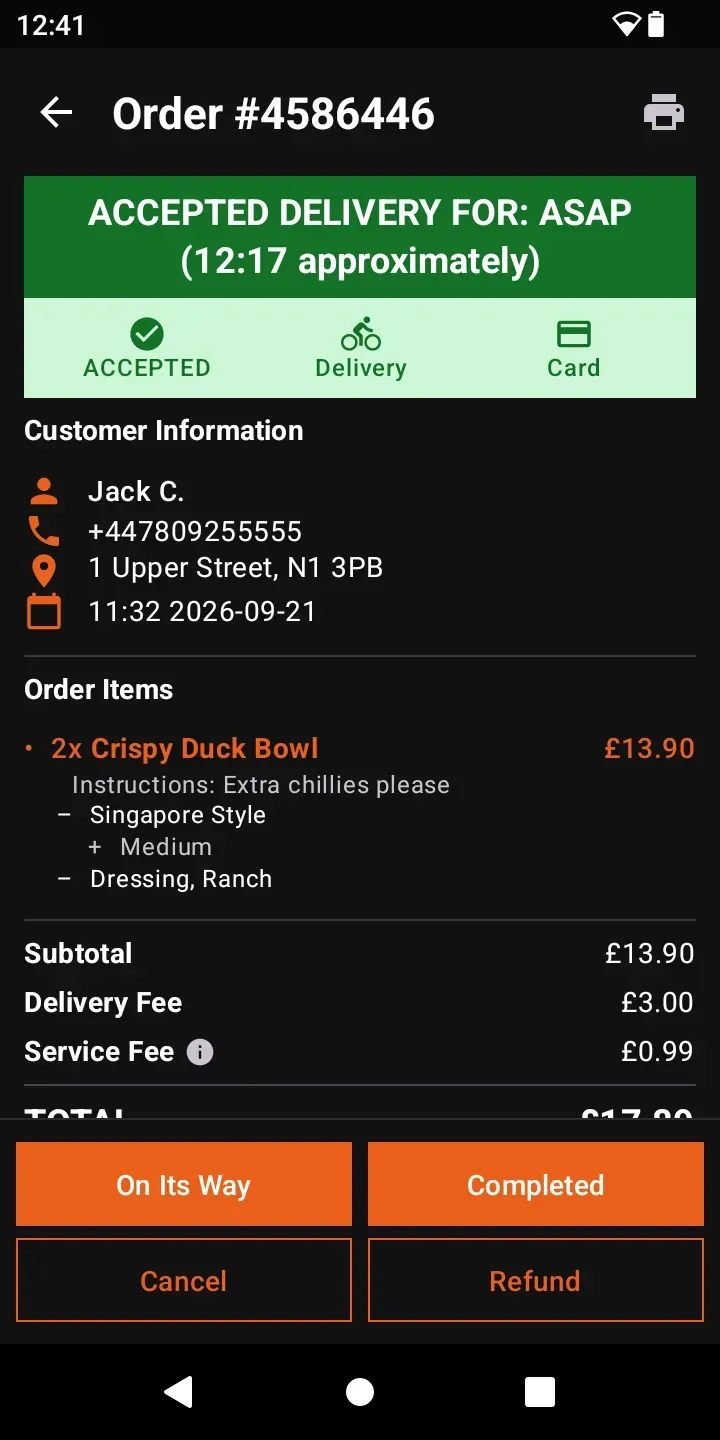
Delivery from the same screen
Assign your own driver or dispatch to Stuart, Uber Direct and local fleets without leaving the order.
- On-demand fleet dispatch
- Driver app with live tracking
- Proof of delivery
Menu and availability on the fly
Mark items sold out, change hours or pause orders in seconds and it updates across every channel.
- Live stock toggles
- Pause and busy mode
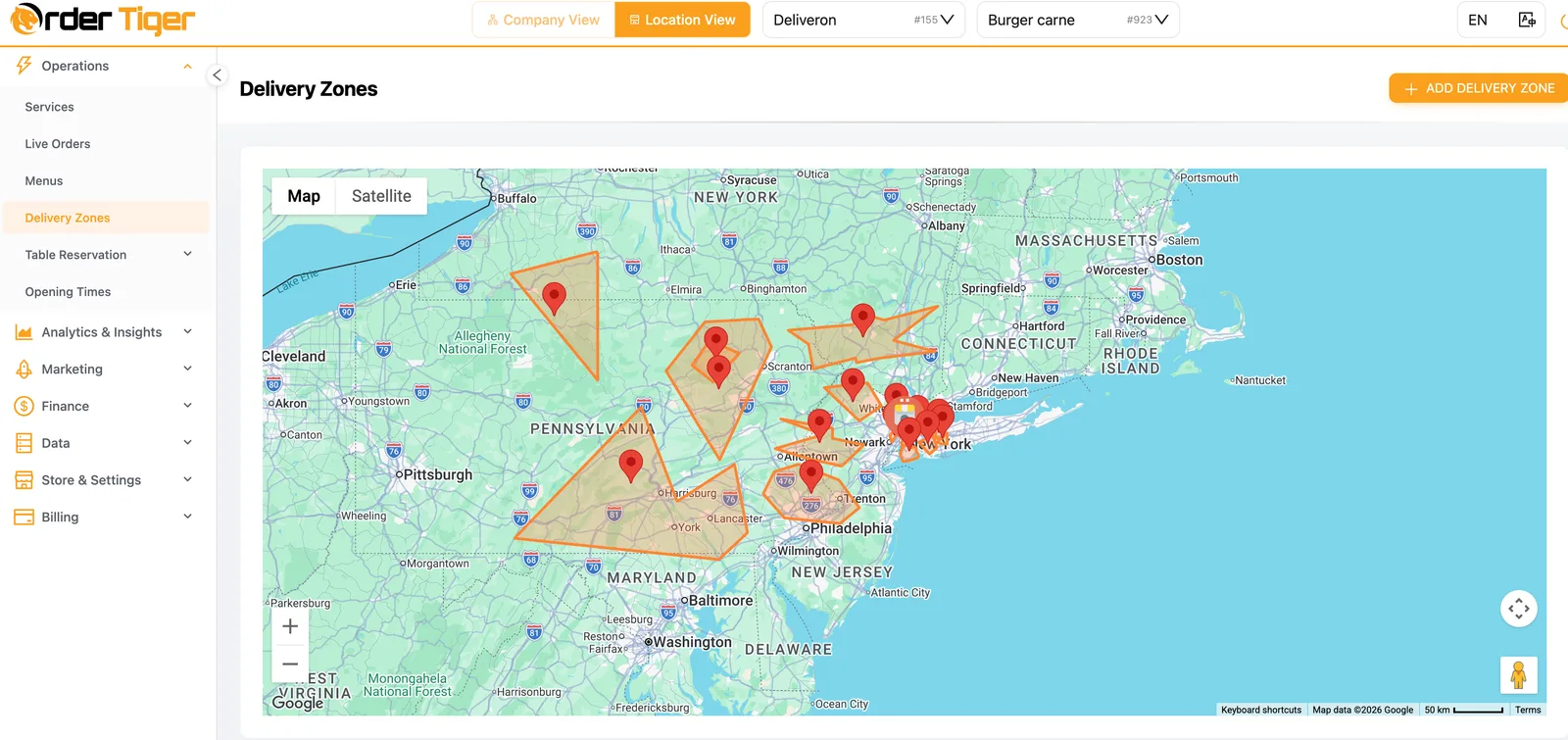
- Hours and delivery zones

Tickets to any printer, the moment you accept
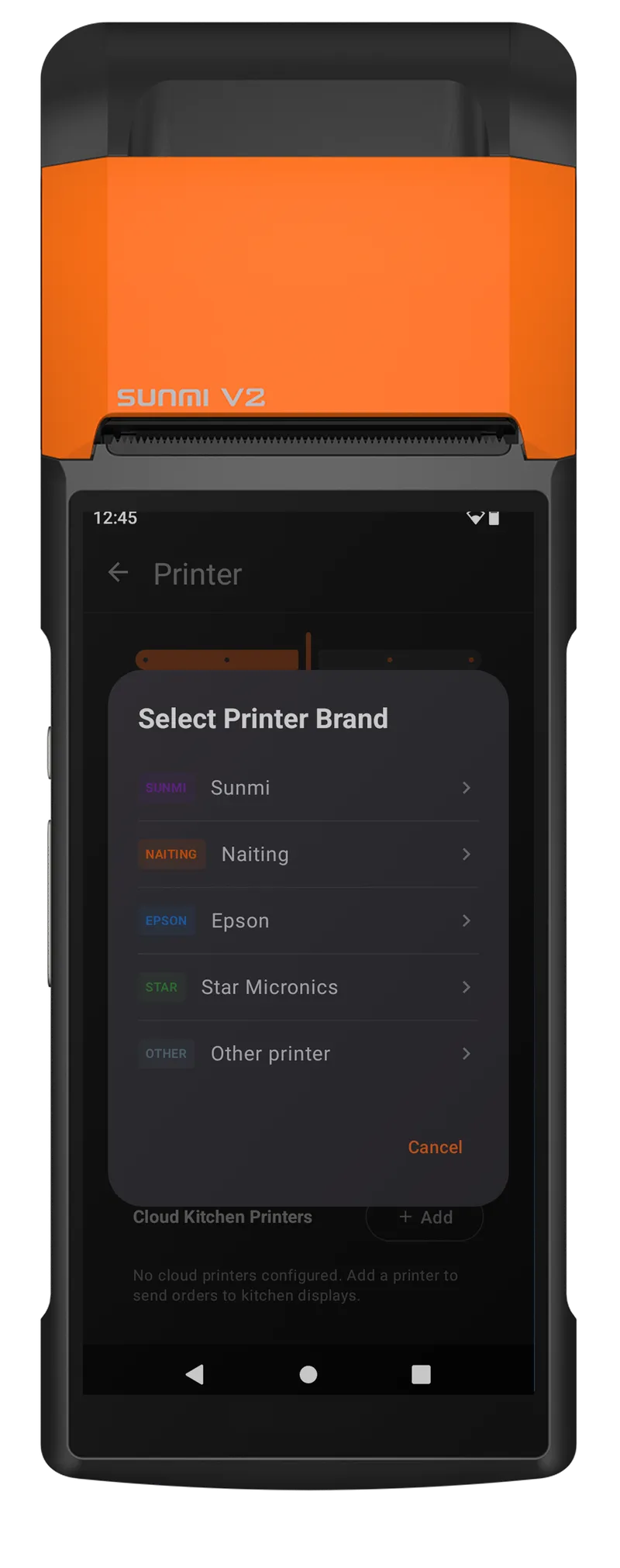
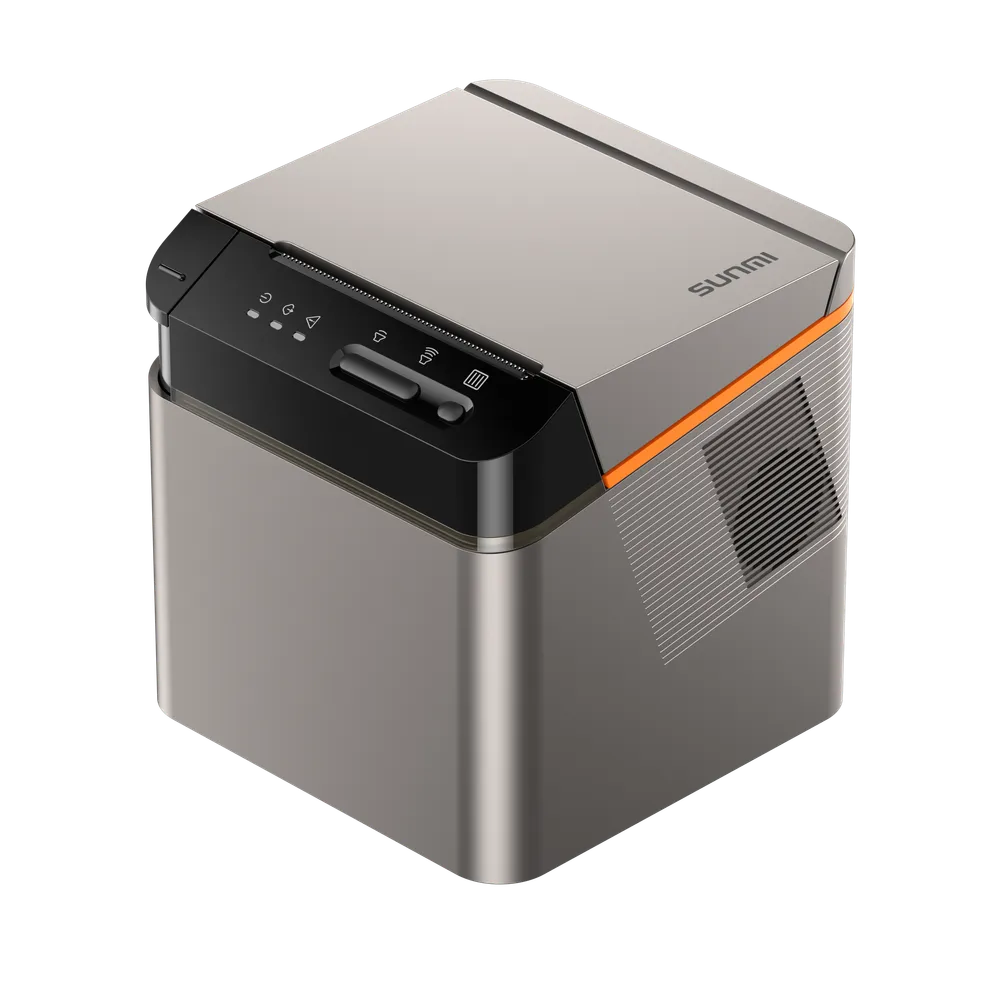
Print kitchen and counter tickets on Sunmi, Epson, Star and other receipt printers, or on a cloud printer in the kitchen with no PC in between. Every ticket carries the order notes and modifiers.
- Sunmi, Epson, Star and other printer brands
- Cloud kitchen printers with no computer needed
- Automatic ticket on every accepted order
Per location. No contract, free menu setup.
Part of one platform
Every Order Tiger product shares one menu, one customer list and one report.
What owners say after switching
Customers love ordering from our own app. We've noticed they're placing orders up to 3 times more often compared to those who order by calling us or walk-ins.

Our journey with Order Tiger has been nothing short of incredible. In just 5 months, it has accounted for a staggering 40% of our total sales.

Order Tiger increased our direct online sales by more than double through delivery from third-party fleet and have saved us a lot of money.

Frequently asked questions
Can I manage orders if I’m not in the restaurant?
Yes — the Order Manager App works on mobile, so you can monitor and control orders anywhere.
Do I need my own delivery drivers?
No — with delivery integrations, you can connect to couriers like Uber, Glovo, and Stuart, and let them handle the logistics.
How does the kitchen get notified?
As soon as you accept an order in the app, it prints automatically on the OT printer so the kitchen sees it immediately.
What if an item sells out?
Update availability in the dashboard, and the menu will update instantly online, preventing new orders for that item.
Can I limit orders during peak times?
Yes — set maximum order volumes per time slot, and the app will stop accepting more when the limit is reached.
Is it possible to manage multiple locations?
Yes — switch between location view and company view to oversee all branches in one place.
What about accounting and reports?
The dashboard gives you detailed reports and exports so you can track performance, revenue, and peak times.
How easy is it for staff to learn?
The app is designed to be intuitive, with one-tap actions. Most teams learn to use it within a single shift.
What kind of support do I get after launching with my online ordering app?
Our partnership doesn’t end at launch — it begins there. We provide continuous technical support to ensure that the software always runs smoothly, but we also go further by offering advice on digital marketing, customer engagement, and best practices for online sales. Whether you need help setting up promotions, understanding reports, or connecting with delivery partners, our team is just a message away. We see ourselves as long-term partners invested in your success.
See Order Manager App running on your own menu
Book a 15-minute demo. No pressure, no contract.