
Waitress Ordering App
Servers take orders and payments at the table on a handheld. Orders reach the kitchen instantly, bills split in seconds, and nobody runs back to the till.
- No contract
- Free setup
- 24/7 support

Servers stay with guests. The till comes to the table.
Orders typed once at the table, printed in the kitchen, paid where the guest sits.

Full menu on any device
Modifiers, notes and stock warnings on any Android or iOS phone or a handheld with a card reader.

Seat and course tracking
Who ordered what, course by course. Fire starters, hold mains, and the pass knows which plate goes where.

Typed once, printed once
Orders appear on the kitchen display or print at the pass with the table number and course. No re-entry at the till.

Split and merge bills Coming soon
Evenly, by item or by seat, in a tap. Merge tables for groups without a calculator.

Tips and service charge
Suggested tips at the table, service charge rules per party size, receipts by email or print.

Allergen and stock warnings
Sold-out items and allergens flagged as the order is taken, before it reaches the kitchen.
What changes with Waitress Ordering App
Every order is a trip across the floor.
Mistakes and re-entry at the till.
Guests wait to pay and tables turn slowly.
Waitress Ordering App, in detail
Take the order at the table
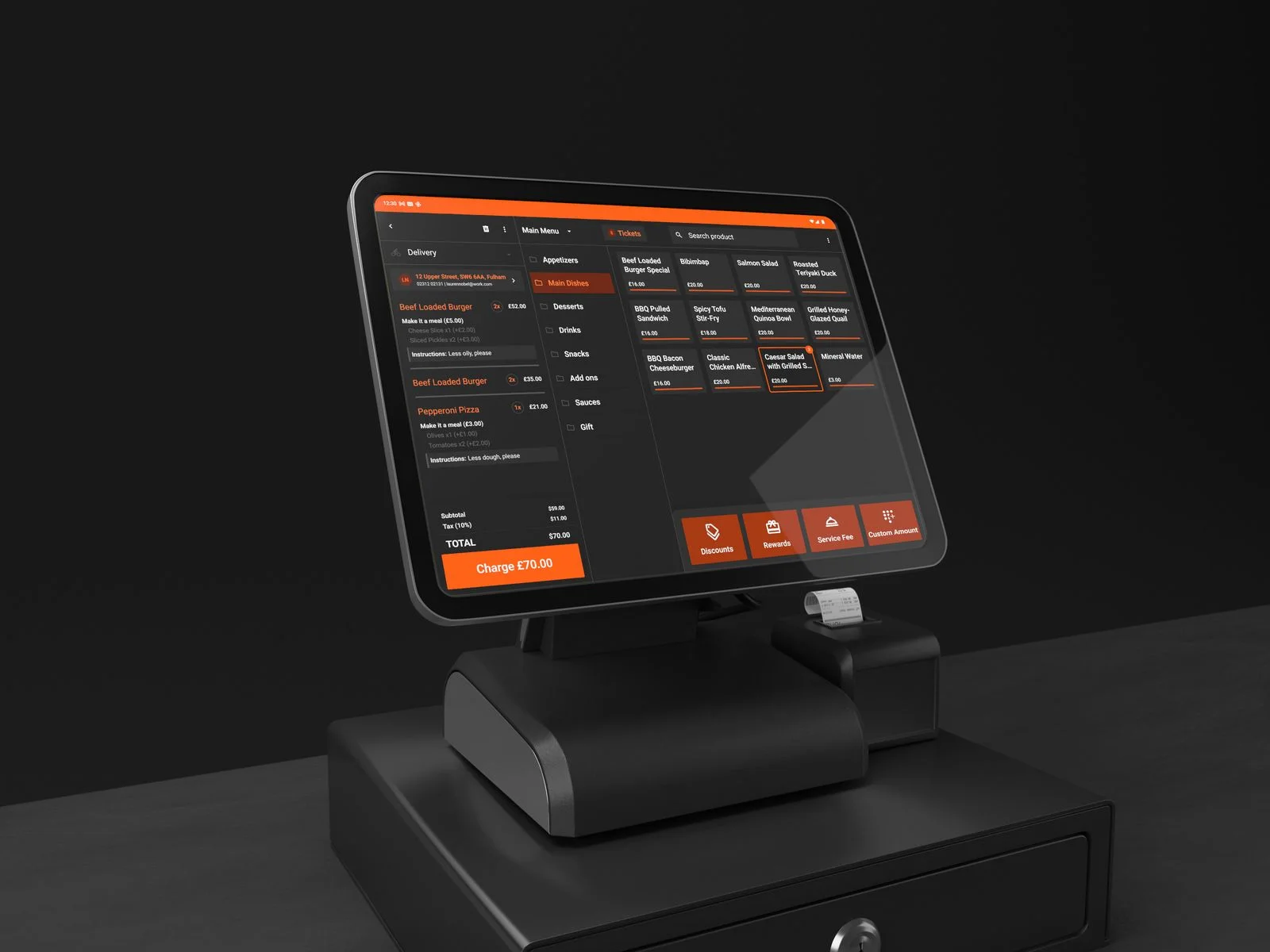
Full menu with modifiers and notes on a phone or handheld. Course by course, seat by seat.
- Works on any Android or iOS device
- Seat and course tracking
- Allergen and stock warnings
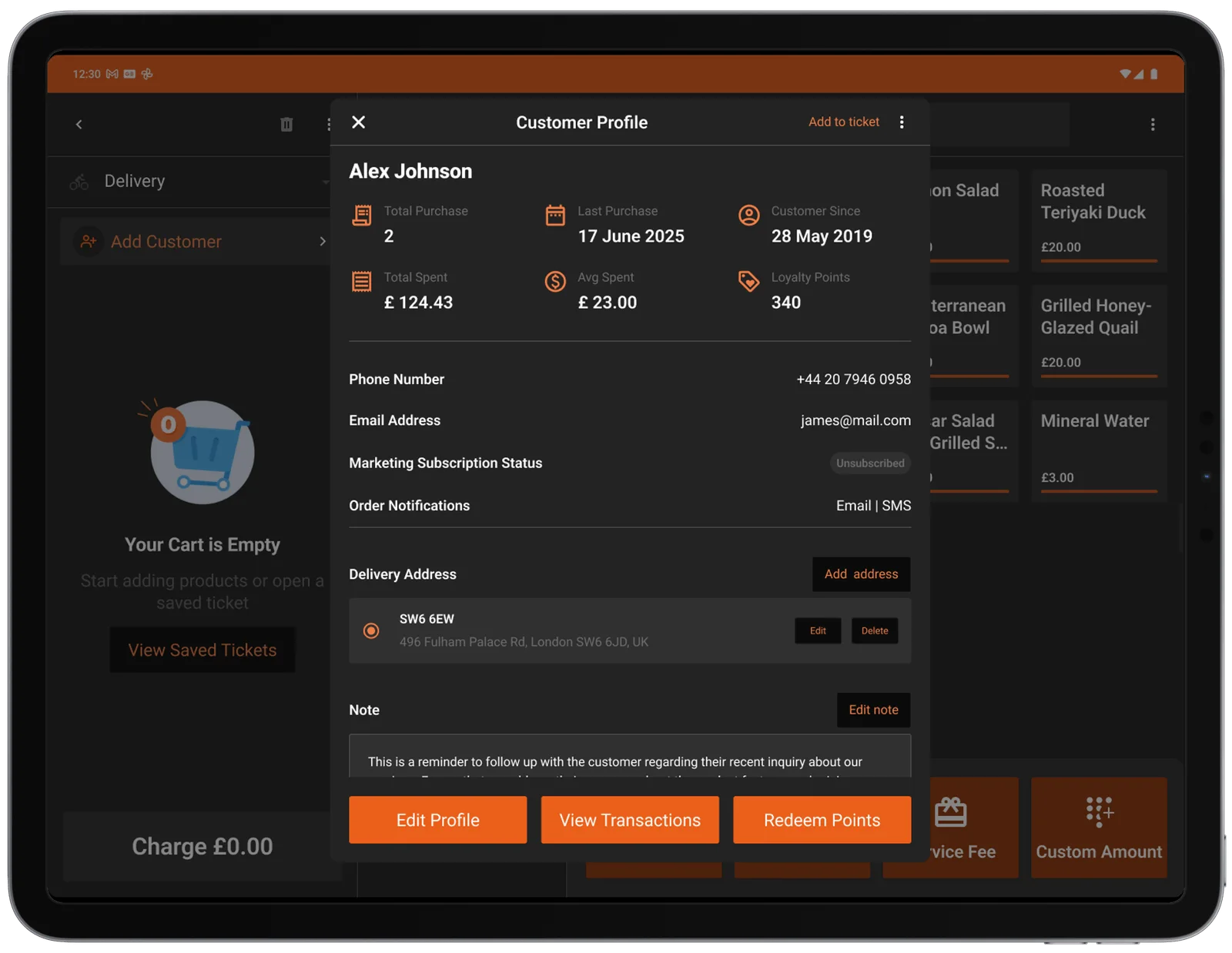
Take payment at the table
Split evenly, by item or by seat. Card, Apple Pay and Google Pay, with tips, and the receipt by email or print.
- Integrated card reader
- Split and merge bills Coming soon
- Tips and service charge
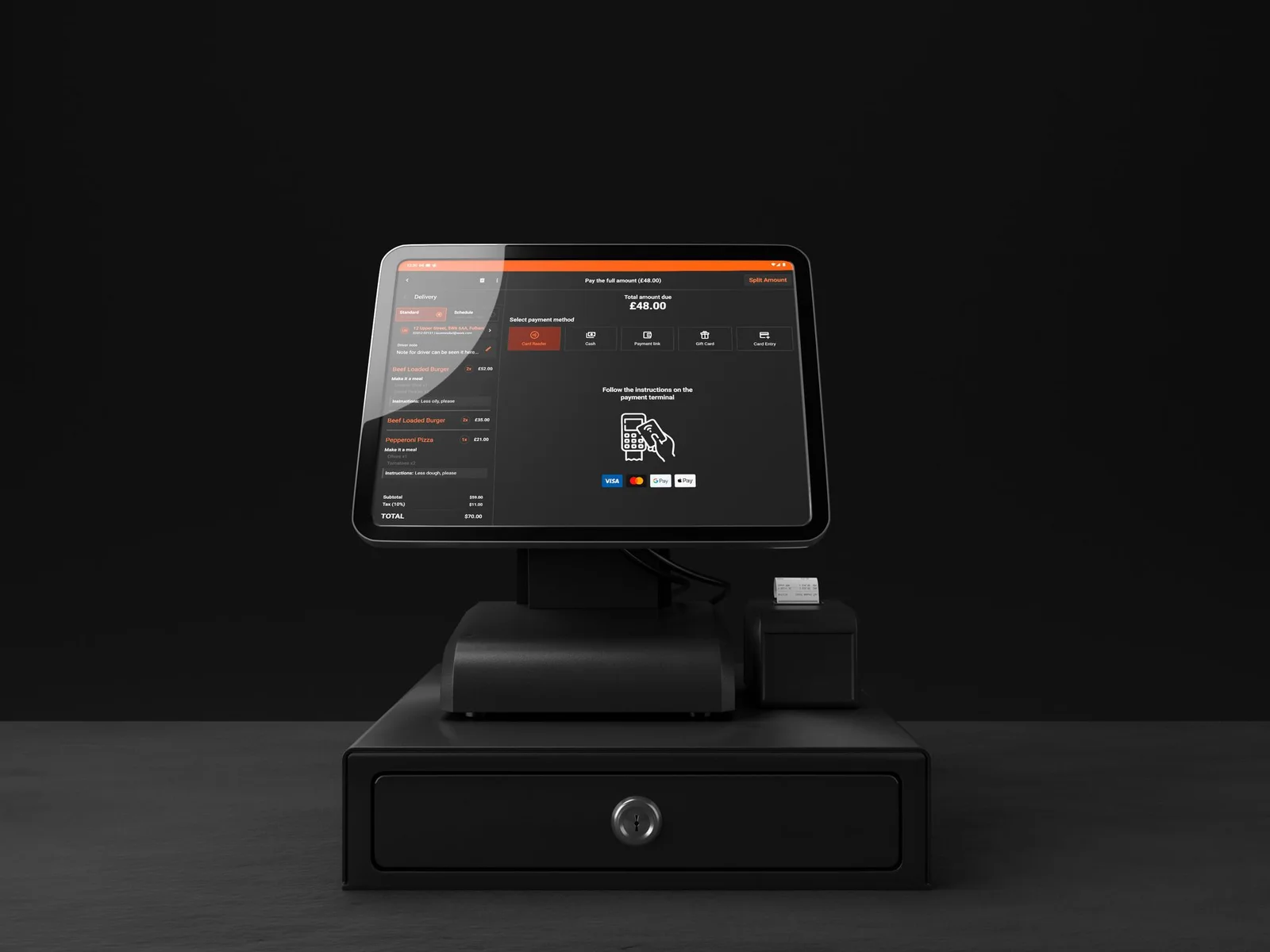
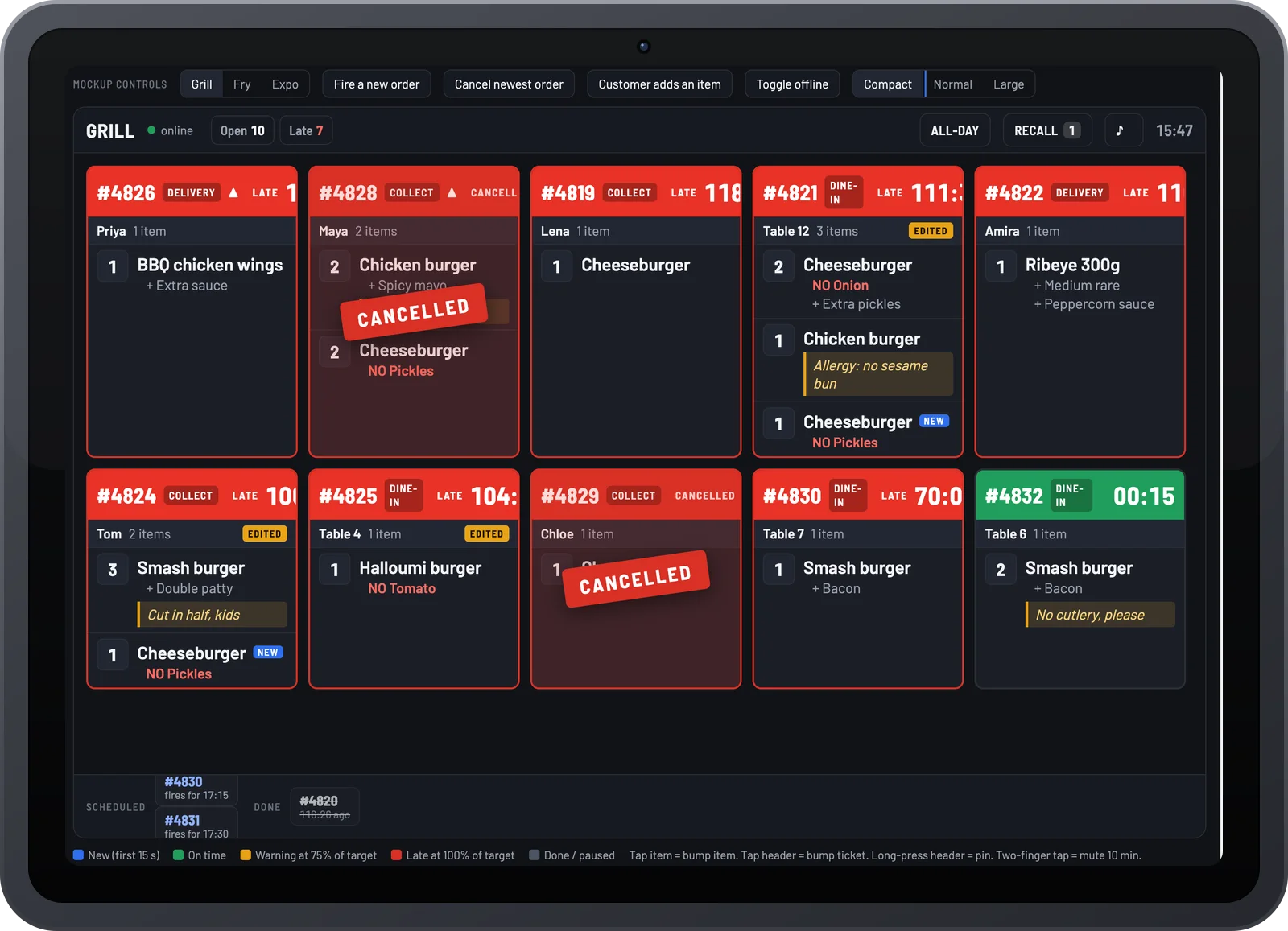
The kitchen sees it instantly
Orders appear on the kitchen display or print at the pass with the table number and course.
- Kitchen display and printer support
- Ready alerts back to the server
- Same queue as online and QR orders

Per location add-on, or part of the Online Ordering + EPOS bundle.
Part of one platform
Every Order Tiger product shares one menu, one customer list and one report.
What owners say after switching
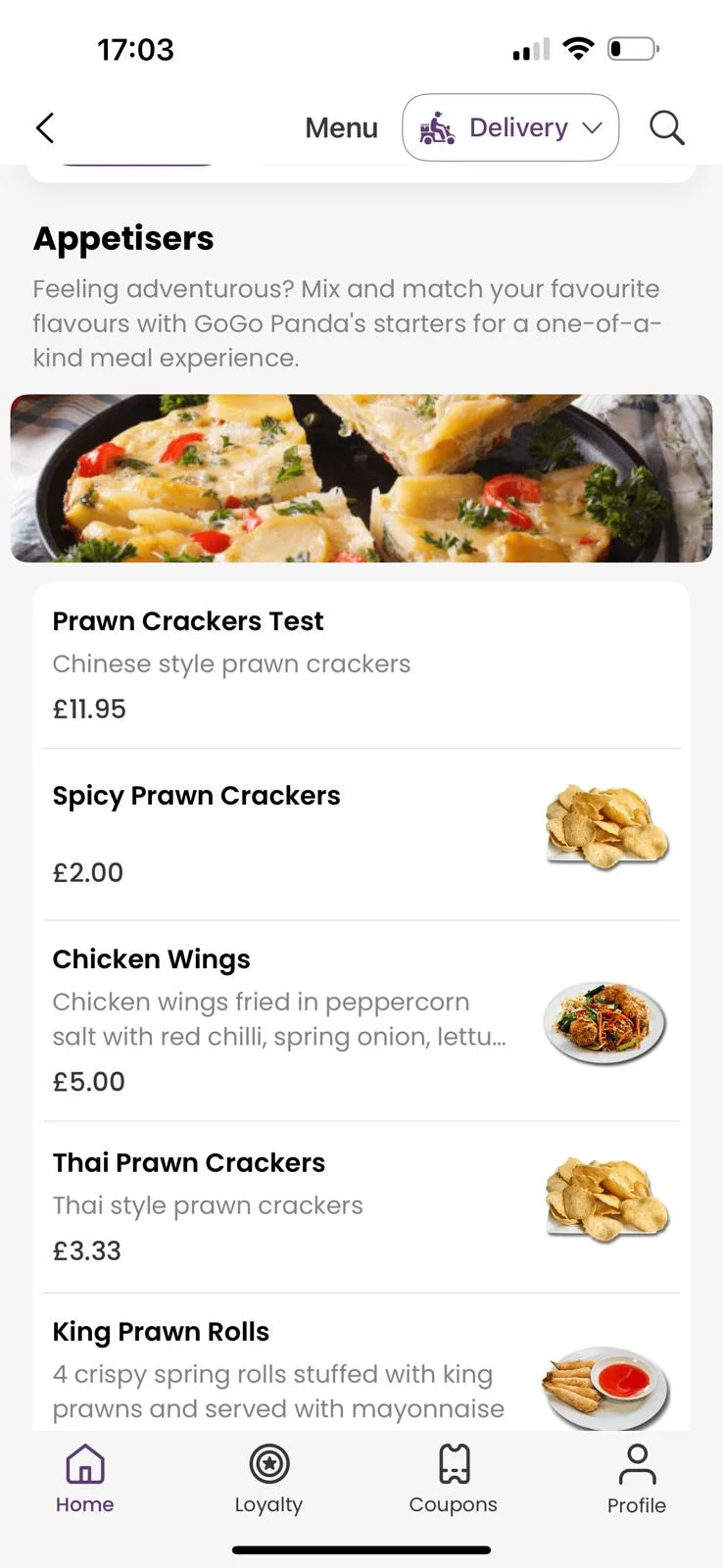
Customers love ordering from our own app. We've noticed they're placing orders up to 3 times more often compared to those who order by calling us or walk-ins.

Our journey with Order Tiger has been nothing short of incredible. In just 5 months, it has accounted for a staggering 40% of our total sales.

Order Tiger increased our direct online sales by more than double through delivery from third-party fleet and have saved us a lot of money.

Frequently asked questions
What hardware does the Waiter App run on?
Any Android or iOS phone or tablet your team already has, or a handheld with a built-in card reader for taking payment at the table. It connects over your Wi-Fi to the EPOS, kitchen display and printers, so there is no dedicated hardware to buy.
Does it work offline?
Limited offline tolerance for taking orders locally, with automatic sync when the network returns. Some actions (e.g., payments) require connectivity.
How does it connect to my kitchen?
Via your network to KDS screens and/or kitchen/bar printers. Items can be routed by product/printer groups (e.g., drinks → bar, mains → hot pass), consistent with industry best practice.
Can I move or join tables?
Yes—servers can move tickets between tables, join/split bills (coming soon), and recall previous orders from the table view, similar to other leading systems with flexible table management.
What about permissions and security?
Role‑based controls with per‑user logins. Sensitive actions (voids, discounts, refunds) require elevated permission or manager PIN—aligned with waiter tools that offer transaction‑level authority.
Will it integrate with Order Tiger EPOS and KDS?
Yes. The Waiter App is designed for tight, real‑time integration so orders appear immediately at the till and in the kitchen.
Can it help with upselling?
Absolutely—modifier flows, required choices, and add‑on prompts are built in to lift average order value.
How soon can we use it?
It’s in active development. Join the waitlist to be among the first to pilot and help shape final features.
Does it support multiple languages or menus?
Yes—multi‑language UI (per device) and support for time‑ or venue‑specific menus (e.g., lunch/dinner) are planned.
What reporting is included?
Live ticket views, item‑level performance, server sales, and exception logs (voids/discounts) with export to your analytics suite, similar to leading waiter systems offering shift and sales reports.
See Waitress Ordering App running on your own menu
Book a 15-minute demo. No pressure, no contract.