
Self-Service Kiosk for Restaurants Coming soon
Let customers order and pay at a screen in store. Shorter queues, bigger baskets from consistent upselling, and staff freed to make food rather than take orders.
- No contract
- Free setup
- 24/7 support

Several orders at once, the same upsell every time
Customers order and pay at the screen. Staff make food instead of typing orders.

Your menu on a touchscreen
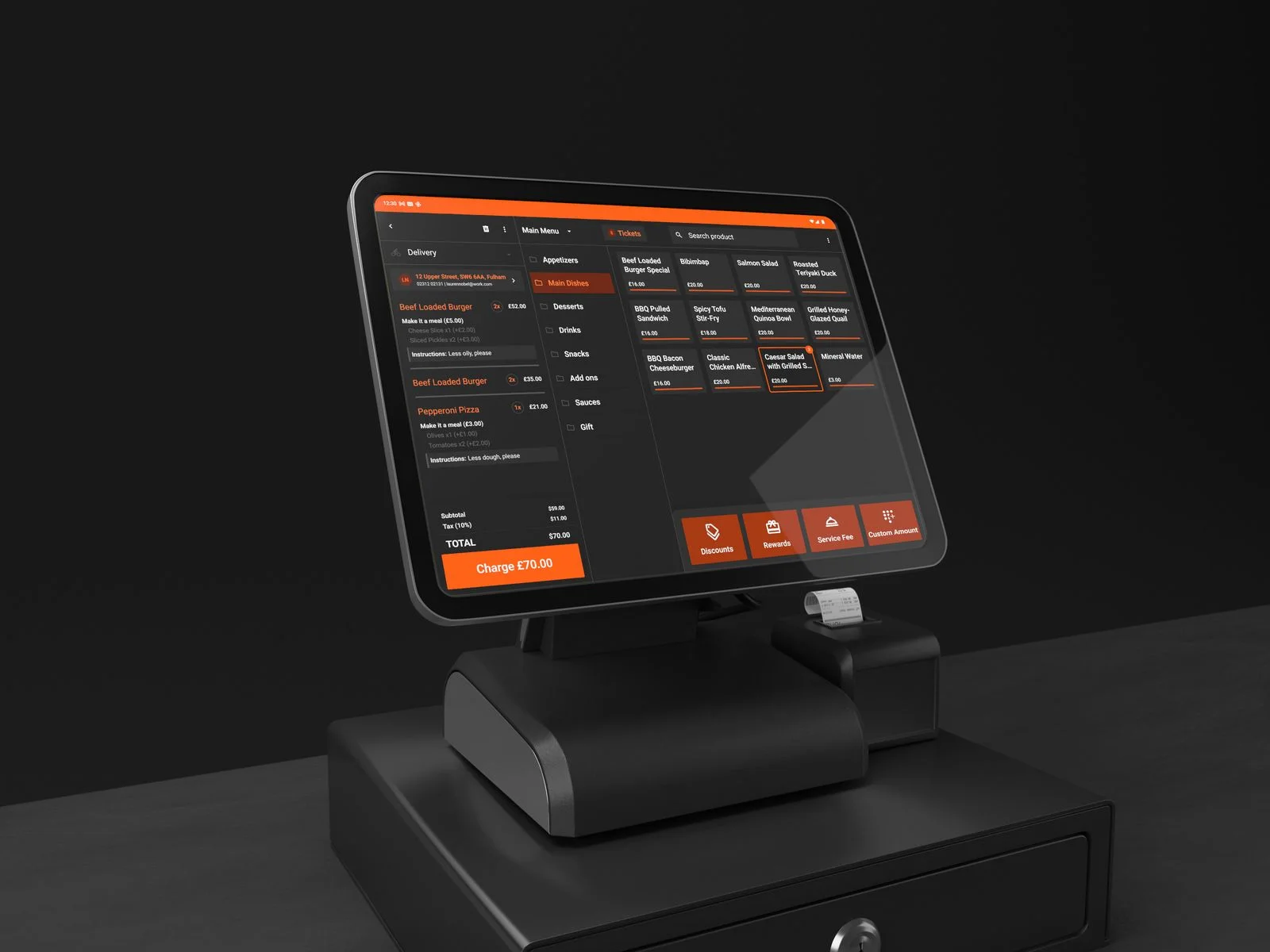
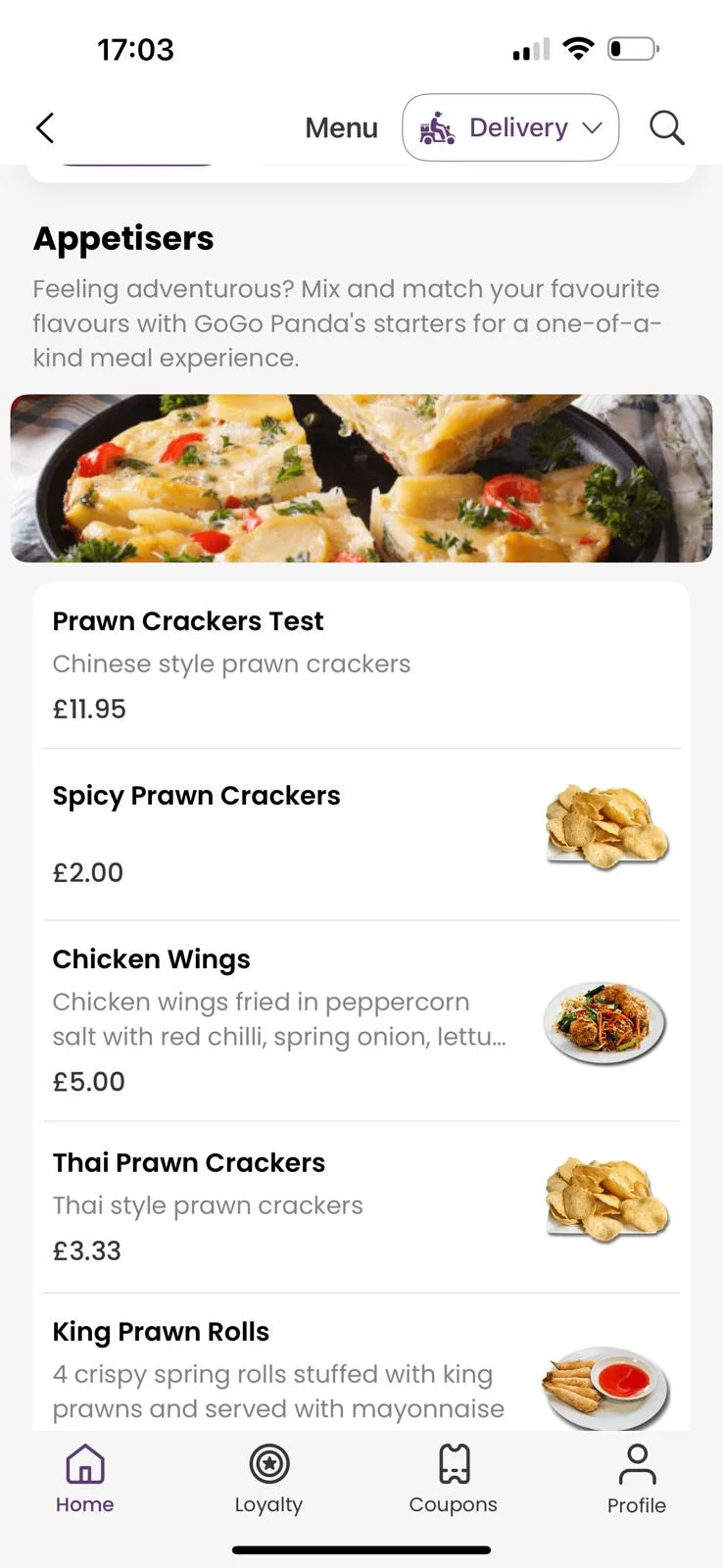
The same menu, photos and modifiers as your app on a kiosk or tablet stand. Eat-in or takeaway chosen at the screen.

The same upsell, every order
Sides, drinks and desserts suggested on every basket. No cashier needed to remember.

Card reader at the screen
Card, Apple Pay and Google Pay at the kiosk. Loyalty and promo codes accepted.

Order number and receipt
A printed receipt and a number on the pick-up screen. Customers know exactly when to step up.

Orders in parallel
Several kiosks take orders at once. Throughput is no longer limited by one person at the till.

One report for every channel
Kiosk sales sit in the same analytics as your website, apps and EPOS.
What changes with Self-Service Kiosk Coming soon
Throughput is limited by how fast one person can type.
Some ask about sides, most do not.
Misheard orders and remakes.
Self-Service Kiosk, in detail Coming soon
Your menu on a touchscreen
The same menu, photos and modifiers as your app, on a kiosk or tablet stand. Card, Apple Pay and Google Pay at the screen.
- Runs on kiosks or tablet stands
- Card reader integration
- Order number and receipt printing
Orders straight to the kitchen
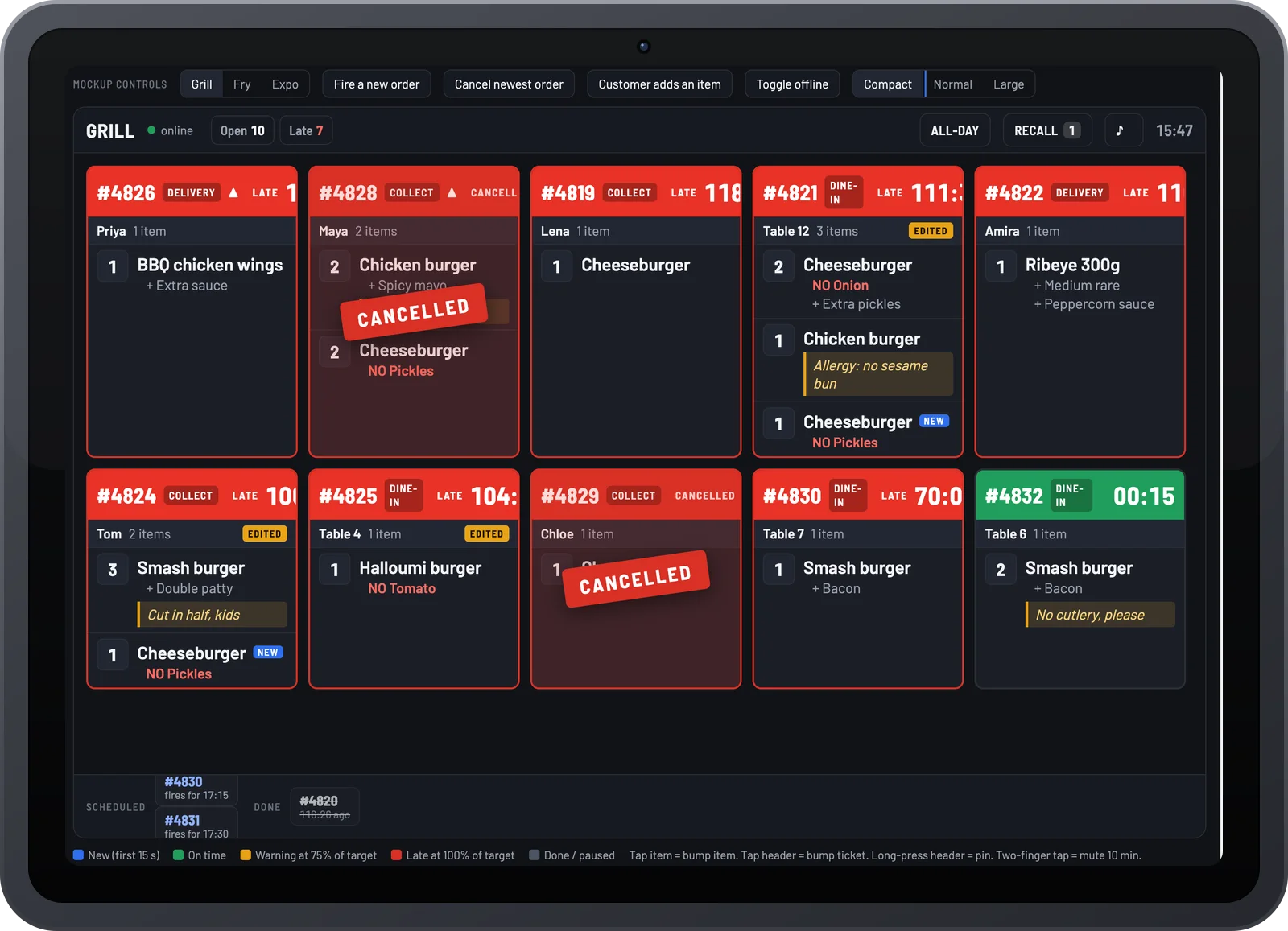
Kiosk orders print or appear on the kitchen display alongside app, counter and online orders in one queue.
- Kitchen display and printer support
- Eat-in or takeaway choice at the screen
- Loyalty and promo codes accepted

One report for every channel
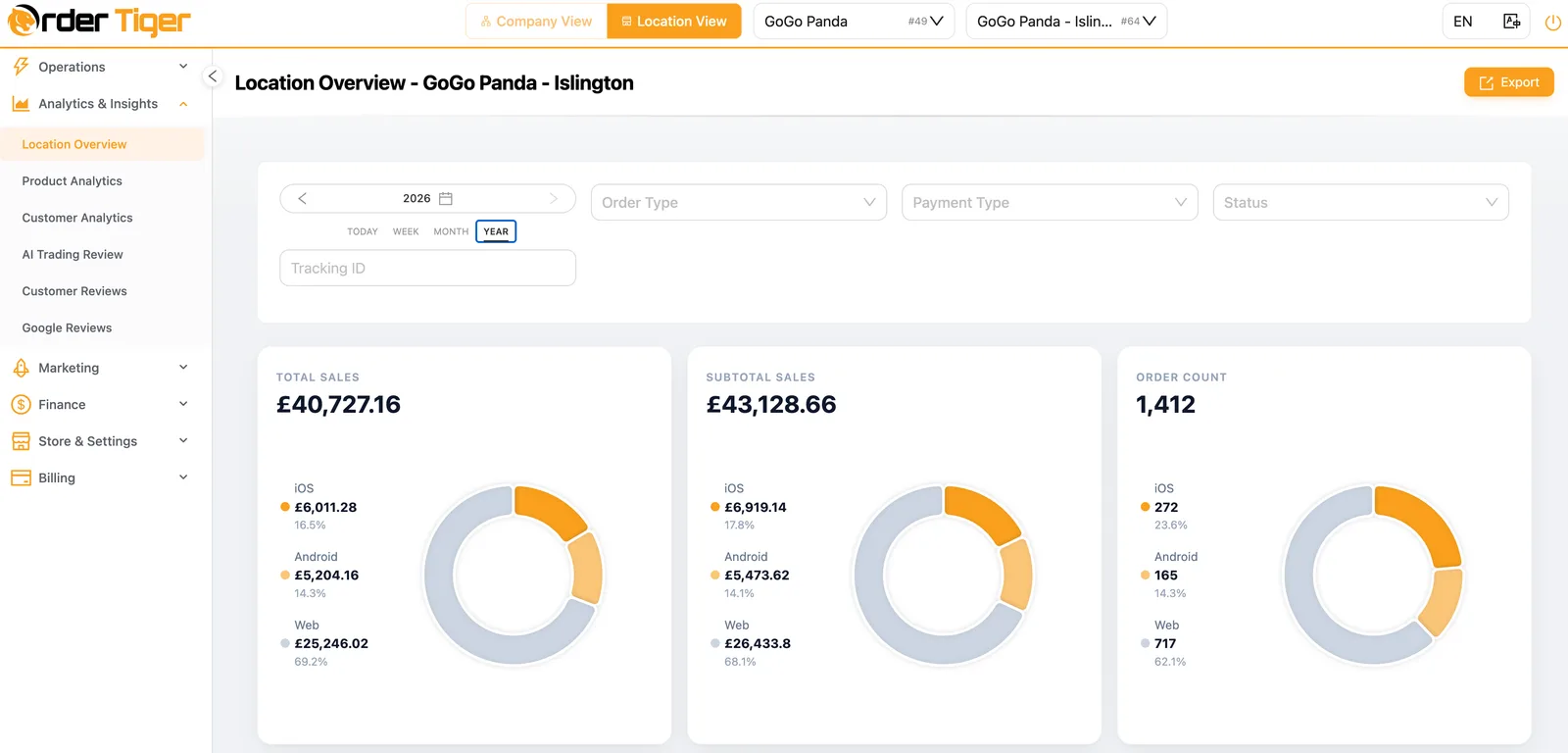
Kiosk sales appear in the same analytics as your website, apps and EPOS.
- Sales by channel and hour
- Best-sellers per kiosk
- Staff time saved at the counter
Tell us your volume and locations and we will quote the same day.
Part of one platform
Every Order Tiger product shares one menu, one customer list and one report.
What owners say after switching
Customers love ordering from our own app. We've noticed they're placing orders up to 3 times more often compared to those who order by calling us or walk-ins.

Our journey with Order Tiger has been nothing short of incredible. In just 5 months, it has accounted for a staggering 40% of our total sales.

Order Tiger increased our direct online sales by more than double through delivery from third-party fleet and have saved us a lot of money.

Frequently asked questions
How does the kiosk connect with my existing systems?
Our kiosks integrate seamlessly with your EPOS, KDS, and online ordering — so all orders flow into one system.
Do customers still need staff assistance?
No — customers can fully order and pay at the kiosk. Staff are available for table service, but kiosks reduce their workload significantly.
Can I customize the kiosk branding?
Yes — you can add your logo, brand colors, and menu images so the kiosk feels like part of your restaurant.
What payment methods are supported?
Customers can pay by card, mobile wallet (Apple Pay, Google Pay), or contactless tap.
How quickly can I get started?
Most restaurants can be set up in under two weeks. Our team handles installation, training, and support every step of the way.
See Self-Service Kiosk running on your own menu Coming soon
Book a 15-minute demo. No pressure, no contract.