Popup
Ordering widget on your own site
This is how the ordering widget looks when it is embedded in a restaurant website: it opens over the page and the customer never leaves your site.

GoGo Panda is our demo restaurant. Browse the menu, add items, pick a delivery time and go through checkout exactly as your customers would. Test orders are not charged and never reach a kitchen.
Pick a region, then open the demo as a popup on this page or in a new tab. Each region shows local currency, taxes and delivery options.
This is how the ordering widget looks when it is embedded in a restaurant website: it opens over the page and the customer never leaves your site.
The standalone ordering website with the restaurant’s own branding, menu, reviews and checkout, on its own address.
Open in a new tabUK demo: GoGo Panda, Islington. Prices in GBP, delivery and collection.
The embedded widget for the US demo restaurant, with prices in USD and US sales tax. It opens over the page and the customer never leaves your site.
The standalone US ordering website with the restaurant’s own branding, menu and checkout, on its own address.
Open in a new tabUS demo: GoGo Panda, Manhattan. Prices in USD, delivery and pickup.
The embedded widget for the Spanish demo restaurant, in Spanish with prices in EUR. It opens over the page and the customer never leaves your site.
The standalone Spanish ordering website with the restaurant’s own branding, menu and checkout, on its own address.
Open in a new tabSpain demo: GoGo Panda, Avenida de Francia, Valencia. Prices in EUR, delivery and collection.
GoGo Panda is also a real app on both stores, built with Order Tiger under the restaurant’s own name and branding. Install it, browse the menu and place a test order.
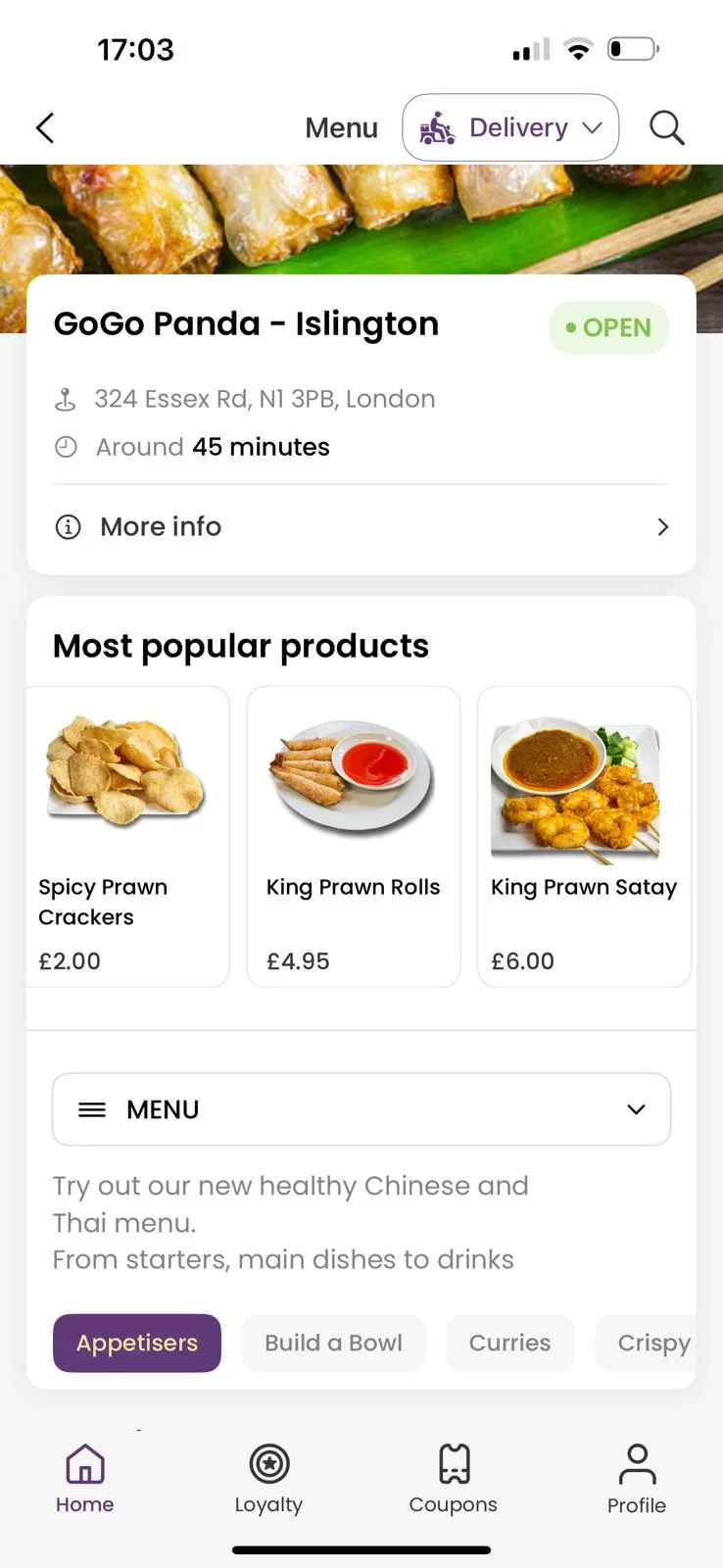
Everything you order in the app lands in the same dashboard, kitchen display and EPOS as the web demo. Loyalty points, coupons and push notifications are switched on.
Search “GoGo Panda” on either store if the links do not open on your device.
The Order Manager App is what the restaurant runs on an Android tablet or phone: new orders ring in, get accepted with one tap and print to the kitchen. Install it, sign in with the demo login for your region and place an order from the web or app demo above to watch it land.
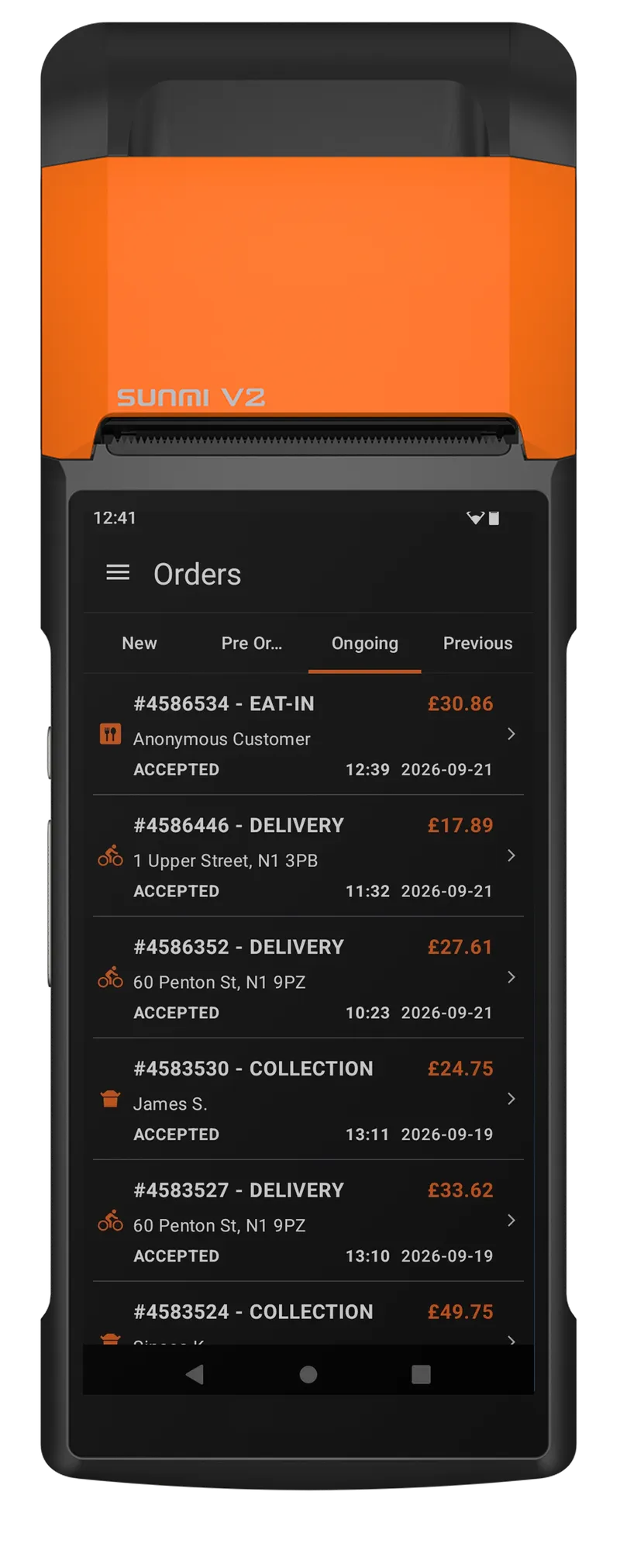
The Order Manager App runs on any Android tablet or phone. The same app works for every region; only the login changes.
Logins follow the region selected in the web ordering demo above. Shared demo accounts: please do not change settings.
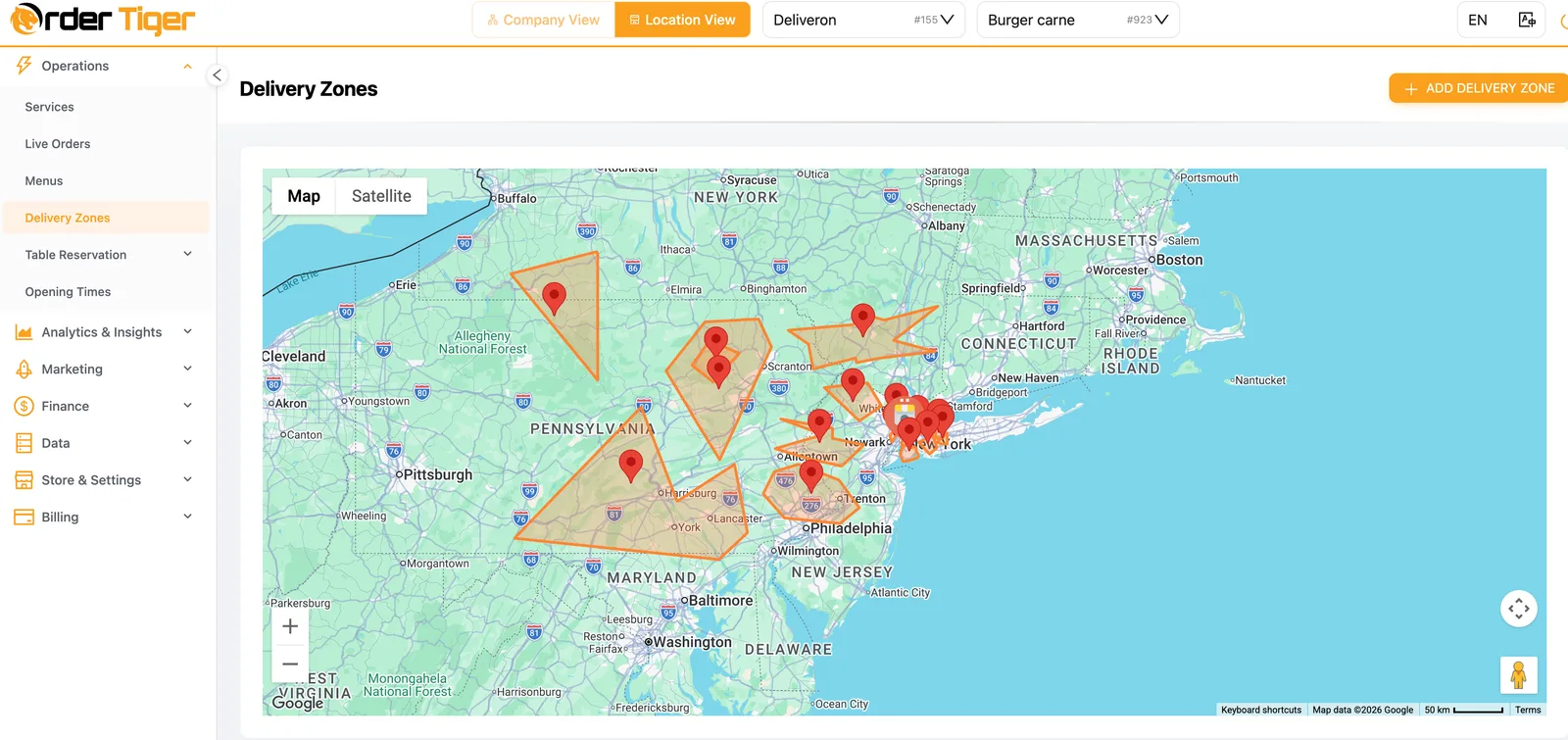
The dashboard is where owners manage the menu, opening hours, delivery zones, coupons, loyalty and reports for every location. Sign in with the demo login for your region and look around; the orders you placed in the demos above are already there.
No install needed. The dashboard runs on desktop, tablet and phone, and the same login also works in the Order Manager App.
Opens dashboard.ordertiger.com in a new tab.
Same logins as the Order Manager App. They follow the region selected in the web ordering demo above. Shared demo accounts: please do not change settings.
Book a 15-minute demo and we set your menu up for free. No pressure, no contract.